Post-Install Setup
After deployment, Portweaver must be accessed locally to complete initial setup.
Local Access Requirement
Section titled “Local Access Requirement”The default admin account is local-only.
This means:
- Remote login is blocked for the default Admin account and must be logged into from the server itself
- To login remotely, a new Portweaver user account must be created
Accessing the Interface
Section titled “Accessing the Interface”From the server:
- Open a browser
- Navigate to:
http://localhost:8080- Log in using the default admin account:
- Username
admin- Password
portweaver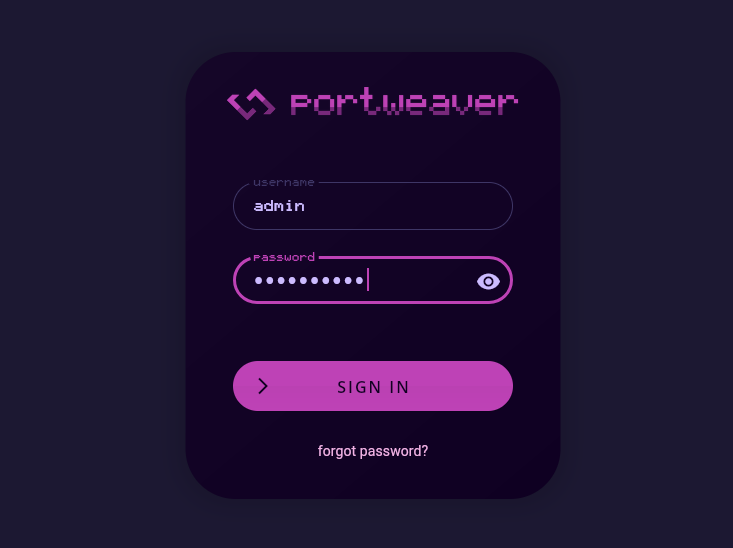
Required Password Change
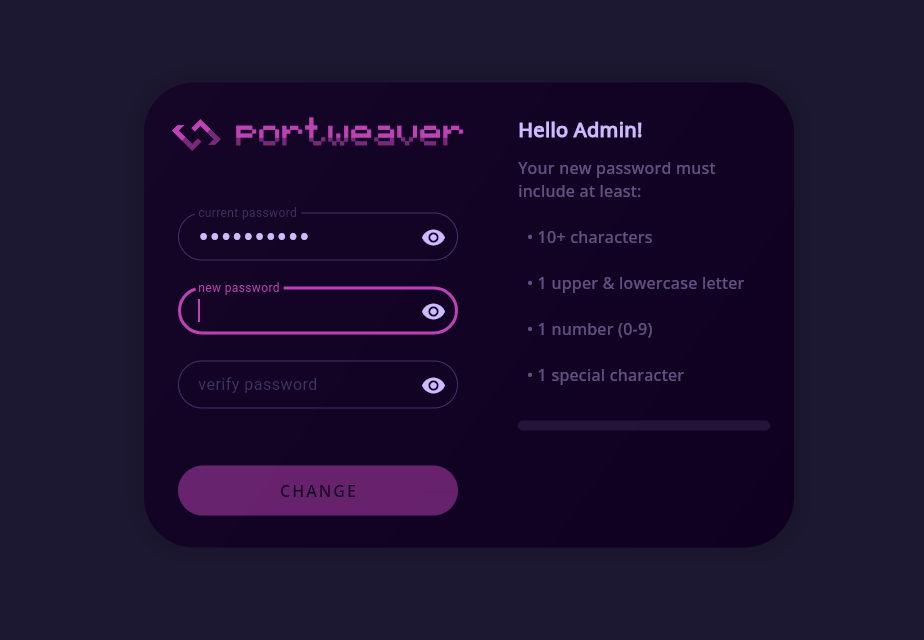
Section titled “Required Password Change”After logging in, you will be prompted to change the admin password.
This step is required before accessing the application.
After Setup
Section titled “After Setup”Once the password has been updated, you can now:
- Add devices
- Create additional users
- Modify the server configuration
Summary
Section titled “Summary”- Initial login must be performed locally
- Default credentials are used only once
- Password change is required before full access
- System access is restricted until initialization is complete
This ensures Portweaver starts in a secure and controlled state.